


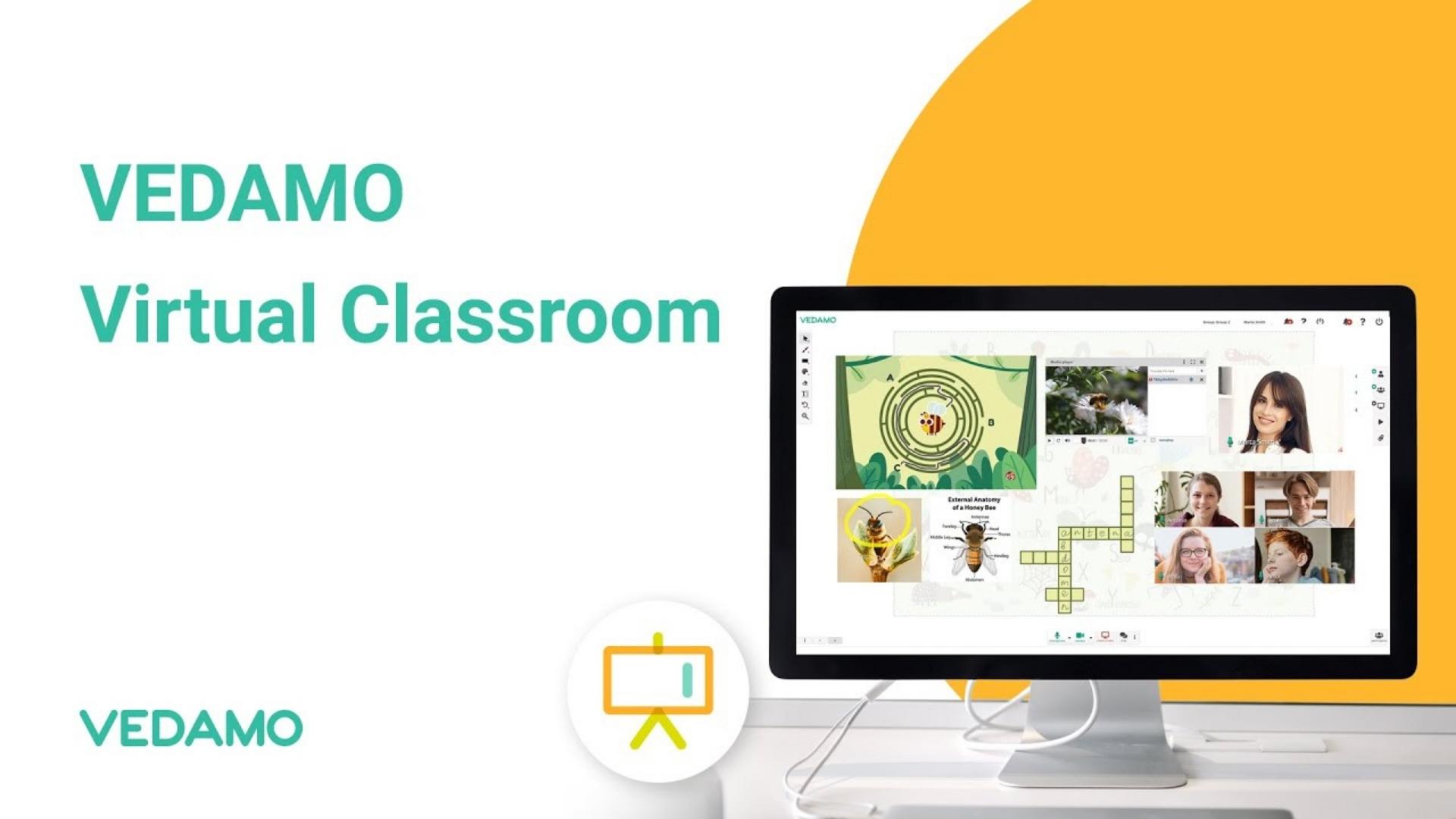
VEDAMO provides tools for live online teaching, including a shared whiteboard, video interaction and small-group work. It is worth considering when you need learners to work with material together rather than simply watch a presentation.
This overview uses VEDAMO’s published product information. It is not a hands-on performance test or a claim that the platform is the best choice for every teacher.
What the virtual classroom offers
Le official product page describes an interactive whiteboard, screen sharing, breakout rooms, a media player and recording tools. It presents the classroom as browser-based, without an additional software installation for live sessions.
For example, a tutor could prepare a diagram, invite learners to annotate it and use a small-group task before returning to a shared discussion. The usefulness depends on the lesson and how comfortably participants can use the tools.
Virtual Classroom or LMS?
VEDAMO’s pricing page distinguishes the live Virtual Classroom plan from its Learning Management System. The LMS adds course and learner-management functions. A tutor running occasional lessons may have different needs from a school organising several courses and teachers.
The published Virtual Classroom plan supports up to 50 learners per session and one open classroom per account; additional simultaneous rooms require additional provision. Check your actual teaching schedule before choosing a configuration.
Understand the trial
The pricing page describes a 30-day free plan with more restricted participation than the paid classroom. Treat it as a trial, not a promise of an unrestricted, permanently free platform. Confirm the current checkout price, billing period, currency and cancellation terms before paying.
Test a real lesson
Use the trial or a demonstration to rehearse an activity you genuinely teach. Invite a colleague as a learner and check how easy it is to join, hear instructions, work on the whiteboard and recover after disconnecting.
Test the devices and browsers your students are likely to use. A feature that works well on a teacher’s large screen may need a different approach on a smaller device.
Look at access and administration
Ask how the platform handles captions or other access needs relevant to your learners, and review the available documentation rather than assuming every feature is included. Check who can view recordings, how long material is retained and how your organisation manages accounts.
If you teach children or work within an institution, use its approved arrangements for student information and recording. A technical feature should serve a clear teaching purpose.
Decide what you actually need
Write down the essential tasks, the cost of the required configuration and the time needed to prepare materials. Compare those with the tools your institution already provides. Avoid paying for complexity you will not use.
Consultez notre classroom platform guide for alternatives and online teaching rehearsal plan for evaluating the learning experience alongside the software.
Reviewed 25 October 2026. Product features, prices and school availability can change; use the official links for current details.